Metrics, Tracing, and Logging: Three Methods for Better Observability
In this article, you’ll learn about the concept of observability, why it's essential in modern software delivery, and how the three pillars of observability (metrics, tracing, and logging) work together to provide a complete picture of what's going on in your cloud-native apps.

Kentaro Wakayama
18 August 2022
The holy grail of observability is having a system that allows you to discover any previously unknown state without deploying additional code to diagnose it. To get there, organizations need to build up their ability to leverage the ever increasing stream of data with intelligence, automation capabilities, and the right platform stacked on top of proper instrumentation.
Why Observability Matters
In the last few years, there has been a rapid shift from on-premises to on-demand cloud infrastructures, as well as increased adoption of distributed architectures. These newer approaches offer numerous advantages, but they also give rise to new problems, including loss of visibility, especially during troubleshooting and debugging.
Traditionally, engineers used metric-based monitoring to visualize how their systems could fail. But unknown errors in cloud-native architectures are more frequent and rarely repeat themselves. Engineers may jump to fix the system when their metrics drop below the defined threshold, but the end users have already been affected. Clearly, observability is imperative.
Pre-Cloud Observability
The majority of pre-cloud observability products were created when infrastructure hardware was still distinct: You had a server (or perhaps a hundred) that ran specific operating systems and softwares, making it possible to add observability tools to monitor data flows, log modifications, and trace service interactions. Developers used these tools to uncover hardware taxation, software inefficiencies, and server demand. They were customizable and performed admirably—at the time.
Cloud-Native Observability
In contrast to pre-cloud infrastructure hardware, cloud computing is not a single technology. Apps and processes exist briefly and then vanish; virtual servers and nodes are rapidly booted up and destroyed in response to fluctuating demands; and massive volumes of data are handled and disseminated among numerous containers stored on global transient servers.
Because of this, you can’t evaluate and remediate problems if you don’t have total visibility into your resources in the cloud. Cloud-native observability technologies enable you to see everything, everywhere, at once. Even resources that only existed for a fraction of a second can be recalled and analyzed.
While traditional observability tools provide a simple view of one or more components (perhaps a Linux Server or PostgreSQL), cloud-native observability offers significant advantages, including:
- Better visibility and workflow : Real-time visibility into production systems (what services you have in production, their performances, which team owns them, what the services looked like before the most recent deployment, how users use them, etc.).
- Accelerated developer velocity : Streamlined monitoring and troubleshooting results in faster lead and delivery times and more time to innovate to meet company and customer demand.
- Better alerting and incident response : Enables developers to find and fix problems faster by offering deeper visibility into the system.
How Monitoring and Observability Differ
Monitoring and observability are separate, but dependent. Namely, if a system is observable, it can be monitored.
Below are a few important distinctions between the two:
- You monitor to improve your system's observability, while observability (like functionality and testability) is a characteristic of that system.
- Observability measures how well the system's internal states can be deduced from its exterior outputs. Monitoring is essentially gathering and visualizing this data.
- Your system’s monitoring ability is partially dependent on its observability and how well you can interpret its metrics and performance indicators.
- Monitoring necessitates prior knowledge of what needs to be monitored. Observability allows you to figure out what's wrong with your system by asking open-ended questions.
The Three Pillars of Observability
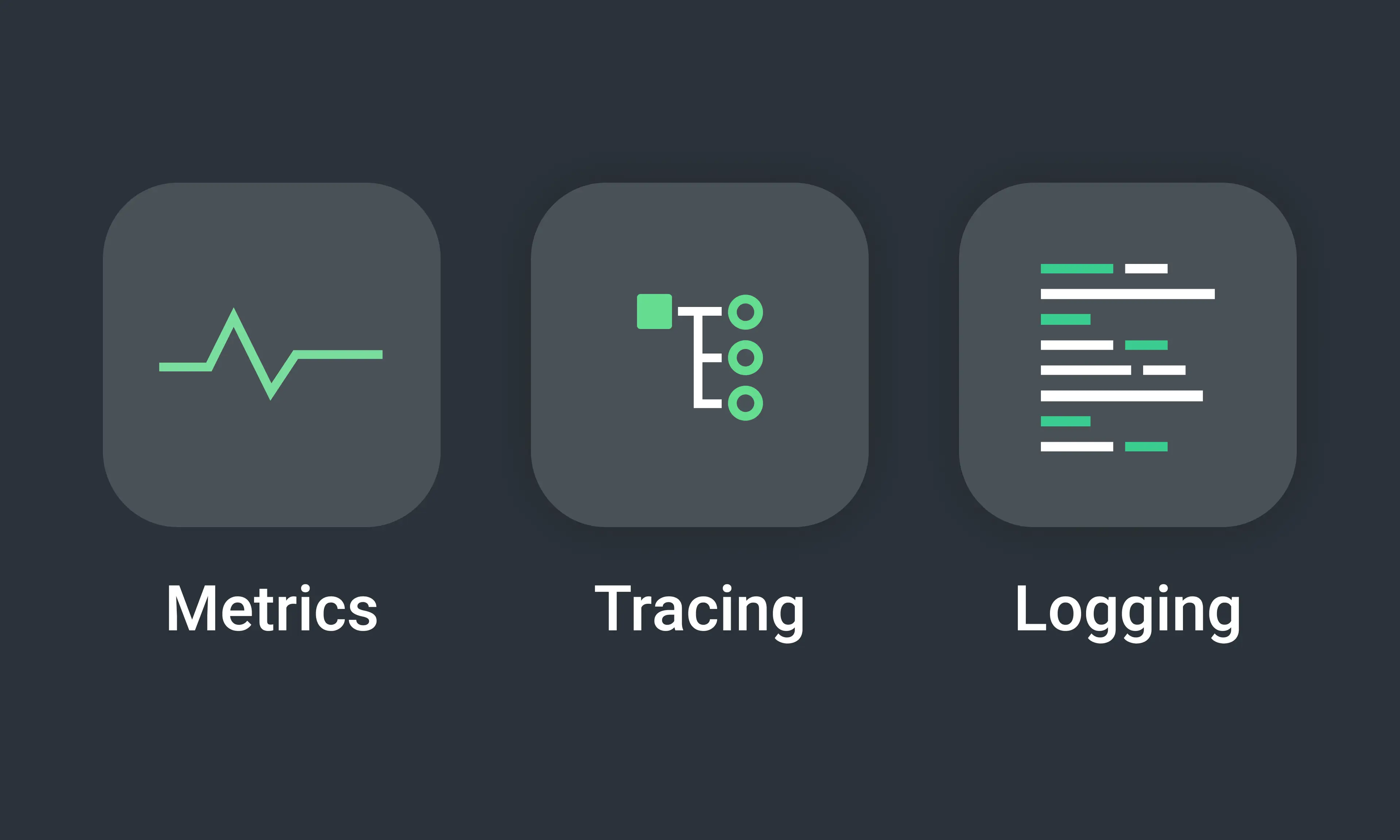
The three pillars of observability are Metrics, Tracing, and Logging. Each pillar has a distinct role to play in infrastructure and application monitoring and is essential in gaining visibility into containerized or serverless applications.
Working with these pillars individually, or using different tools for each one, does not guarantee observability. But by combining your metrics, traces, and logs into a single solution, you can create a successful observability approach. This will allow you to recognize when difficulties arise and quickly change course to learn why.
1. Metrics
Metrics are numeric values that represent and describe the overall behavior of a service or component measured over time. They include features like timestamp, name, and value. Metrics, unlike logs, are structured by default, making them easy to query and optimize for storage, so you can keep them for extended periods of time.
With monitoring tools, you can visualize metrics you care about and configure alerts (especially with tools like Prometheus). Most metrics-based monitoring solutions allow you to combine data from a small number of labels, which can help you see which service is having an issue or on which machines it's happening. Metrics allow you to define what is normal and what is not.
Let’s say you get a PagerDuty alert that your database connections have exceeded the maximum threshold in one of your services (we’ll call it “Order service”). New connections could be timing out or requests could be queued, driving up latency—you don’t know yet. The metric that triggered the alert doesn’t tell you what customers are experiencing or why the system got to its current state. You need other pillars of observability to know more.
2. Tracing
In a production system, you’ll often need to pinpoint which service is causing increased latency. In the previous example of a malfunctioning service, determining how customers are affected and which service is driving up latency is where the tracing pillar comes in handy.
Tracing is used to understand how an application’s different services connect and how resources flow through them. Traces helps engineers analyze request flow and understand the entire lifecycle of a request in a distributed application. Every operation done on a request, also called a "span," is encoded with critical data related to the microservice conducting that operation as it passes through the host system. Tracking the path of a trace through a distributed system may help you find the reason for a bottleneck or breakdown.
Using tracing tools, such as Jaeger and Zipkin, you can look into individual system calls and figure out what's going on with your underlying components (which took the most or least time, whether or not specific underlying processes generated errors, etc.). Traces are also an excellent way to go deep into a metrics system alert.
3. Logging
With metrics and tracing, it’s hard to understand how the system got to its current state. This is where logging comes into play. Logs are immutable records of discrete events that happened over some time within an application. They help uncover emergent and unpredictable behaviors exhibited by each component in a microservices architecture. Logs can also be seen as a text record of an event with a timestamp that indicates when it happened and a payload that offers context.
There are three types of logs: plain text, structured, and binary. While logs in plain-text format are common, it’s better when they’re structured, include contextual data, and are quicker to access. As a rule of thumb, logs should be readable by humans and parsable by machines. When something goes wrong in a system, logs are the first place to look.
Because every component of a cloud-native application emits logs, logs should be centralized so you can get the most out of them. Elasticsearch, Fluentd, and Kibana (part of the EFK Stack that allows full-text and structured searches) are commonly used to centralize logs.
Returning to the earlier example, if you leverage the database and service logs, you might find some warnings and errors or see that each request creates a new database connection that is not closed after it is served, leaving thousands of open connections available at any given time. If you drill down further, you might even find the specific deployment and commit that introduced the bug, given that your CI/CD is equally observable. Logging sheds light on how the system got to its current state. Therefore, it’s best practice to include both trace and span ids in logs in order to connect traces with specific events in your systems.
Conclusion
The cloud has increased the complexity of systems, making cloud-native observability a practical technique to diagnose and gain visibility into systems that are disparate. While the overall effect of new cloud technologies is favorable, working with, troubleshooting, and managing them is challenging. More interactive components lead to a wider range of issues, which are more difficult to detect and remedy. Fortunately, if you can harness the telemetry data produced by these dispersed systems, you can better understand their functioning.
You’ve seen how metrics, tracing, and logging combined can explain the what, how, and why of a production issue. While each pillar may appear to be distinct, true observability is also about the overall picture and how the three pillars interact to disclose the state of your system. Remember, a unified method allows you to better see the whole.
For our latest insights and updates, follow us on LinkedIn